
By MoMo
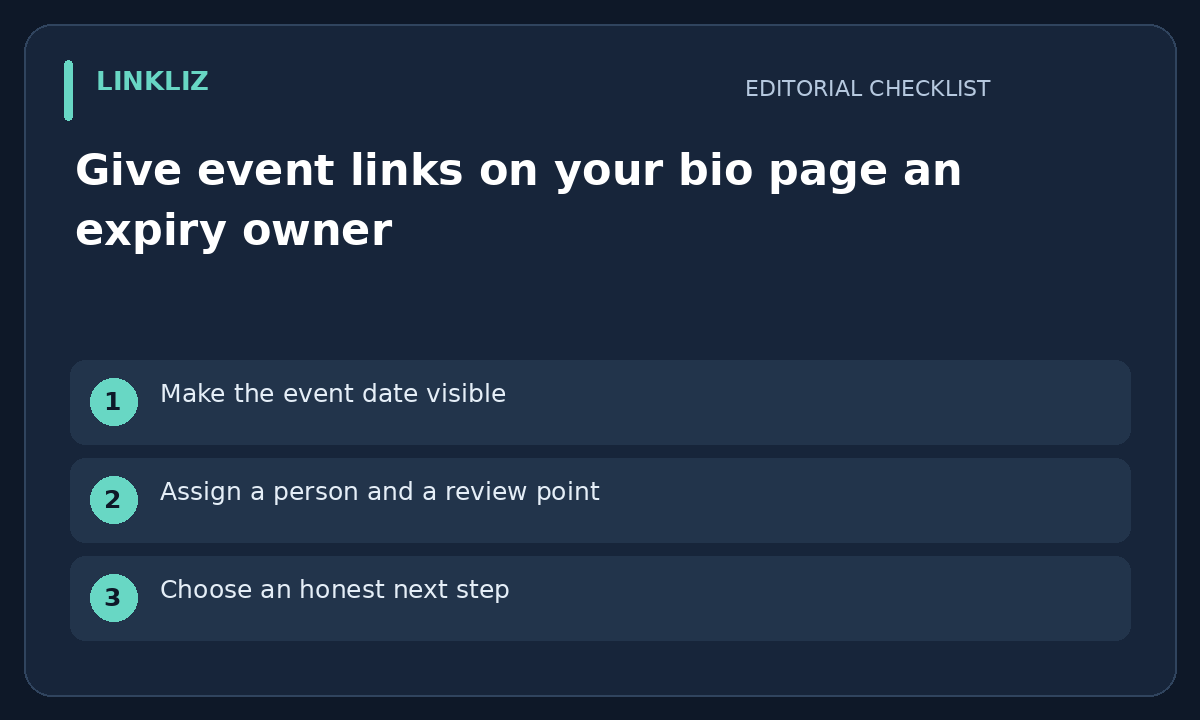
Make the event date visible
A link labelled register now can outlive the event it promotes. Put the relevant date and timezone in the nearby text when they matter to the visitor. Do not rely on the destination page alone to reveal that a registration period has ended. Verify the date from the event source before publishing it.
Assign a person and a review point
Record who will check the link when registration closes or the event ends. Give that person the public destination, approved wording and the intended replacement. An expiry owner is a responsibility, not a claim that the bio-page service automatically changes links on a schedule.
Choose an honest next step
After the event, the right destination might be a recording, a summary or a clear event-ended notice. Check what actually exists and what may be shared. Do not promise a replay simply because the live session was public. If no replacement is available, removing an obsolete call to action may be clearer than pointing to an unrelated offer.
Check the public page after editing
Open the bio page as a visitor and follow the updated link. Check the label, date and mobile presentation together. Preserve an internal note of the old destination and change date for later questions. A saved editor state is not proof that visitors see the intended update.
Your next step
Assign a reviewer and expiry check to the event link, then test its published destination after the event.
Related guide: Give a temporary bio-page announcement a removal plan