
By MoMo
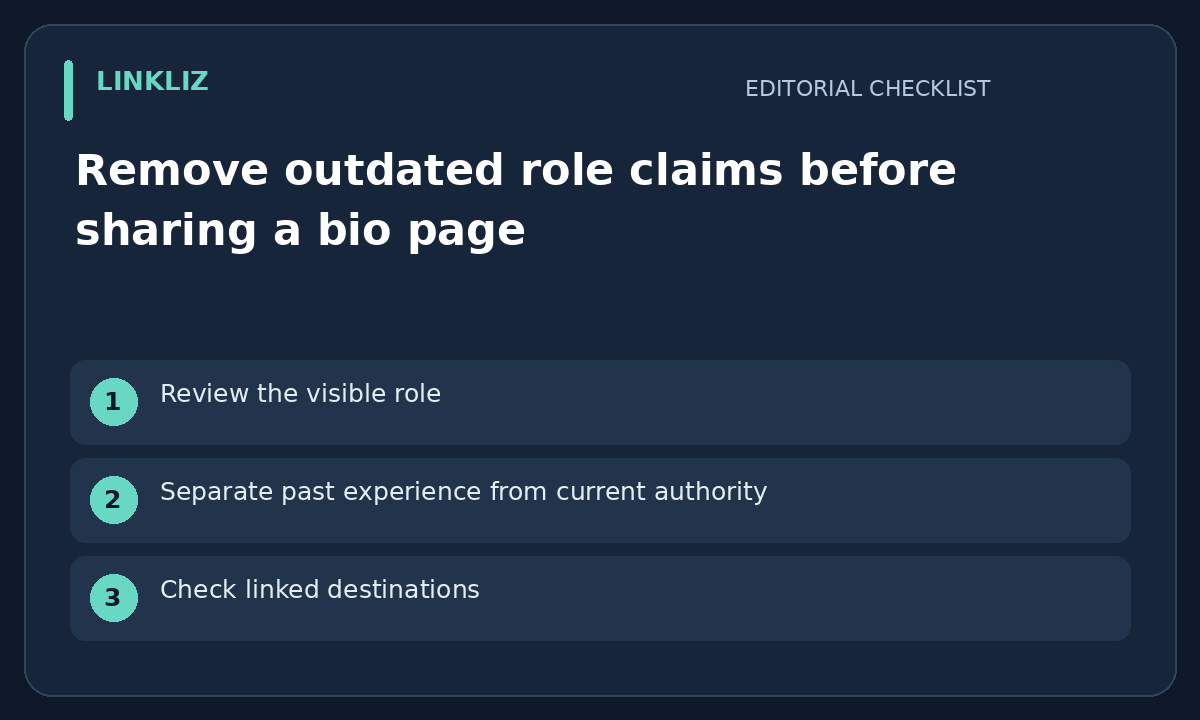
Review the visible role
A bio page can keep an old job title long after its links have been updated. Read the heading, short biography and image text together. This is an editorial review method, not proof that Linkliz verifies employment or automatically keeps a profile current.
Separate past experience from current authority
If a former role is relevant, label it as past experience instead of presenting it as a current position. Do not imply that a personal page can make commitments for a previous employer. Check the person’s own approved wording rather than reconstructing their role from search snippets.
Check linked destinations
Open the contact and booking links that accompany the role. A current biography with an old company inbox still creates confusion. Do not replace a recipient, payment destination or booking account based on a guess; resolve the right destination with the page owner first.
Inspect the shared preview
Where a preview is available, compare its title and description with the page. A corrected heading may coexist with old metadata or a cached image. Record what was actually seen and do not promise every messaging service has refreshed its copy after one local test.
Keep an owner-approved revision
Save the approved wording and review date with the affected page link. Leave unrelated history intact unless the owner asks to change it. The aim is a truthful current introduction, not deleting useful past experience or making a broader claim about professional credentials.
Your next step
Review each role claim on the public bio page and remove or date anything that is no longer current.
Related guide: Give a temporary bio-page announcement a removal plan