
By MoMo
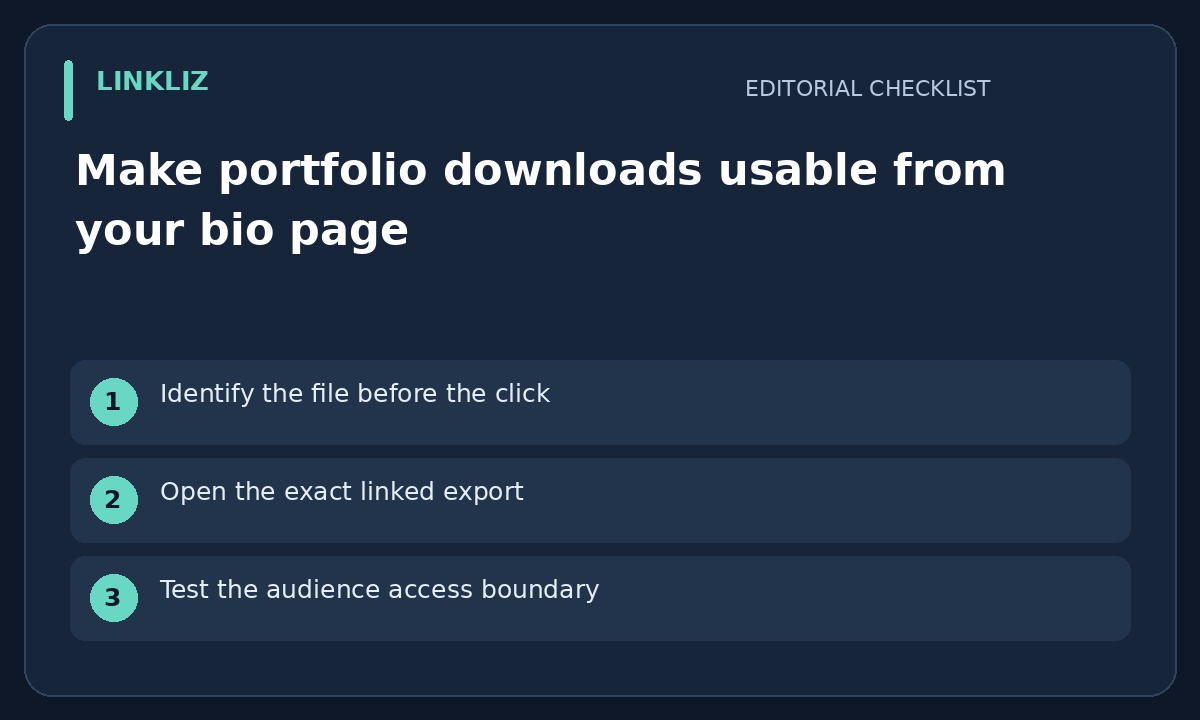
Identify the file before the click
A portfolio button should tell the visitor whether it opens a web gallery or downloads a file. If it is a PDF, label that clearly and use a filename that identifies the person or business and version. Do not advertise an editable source file when the destination only provides a viewing copy.
Open the exact linked export
A newly edited portfolio on your computer is not necessarily the file behind the public link. Open the published destination and compare its first page, project dates and contact details with the intended version. Keep the approved filename and link together so replacing a local draft does not create a false sense of completion.
Test the audience access boundary
Use an appropriate visitor view to check whether the intended audience can open the file without your editor session. A share setting for one client may not work for general visitors. Do not fix an access error by making private client work available to everyone; obtain the right publication permission or choose a safe sample.
Review the experience on a phone
Open the link on a phone-sized screen and confirm the file is readable in the available viewer. Check large images, small text and unexpected extra pages. If the file is large, consider a smaller approved export or a clear size label. Do not upload confidential work to an unfamiliar compression service merely to reduce its size.
Keep replacement and removal deliberate
After replacing a portfolio, revisit the actual bio-page button and download again to confirm the intended version. Keep a private original and remove obsolete public copies only through a supported route you control. This checklist does not claim Linkliz hosts portfolio files or synchronizes external storage; the destination service determines those features.
Your next step
Download the portfolio file as a visitor and check the filename, content and contact details before sharing it.
Related guide: Check the profile photo crop before sharing a bio page